Give your social posts a place to send people with Rheeta
Bring your services, photos and contact details together with Rheeta Web Builder, then share your website in your social content.
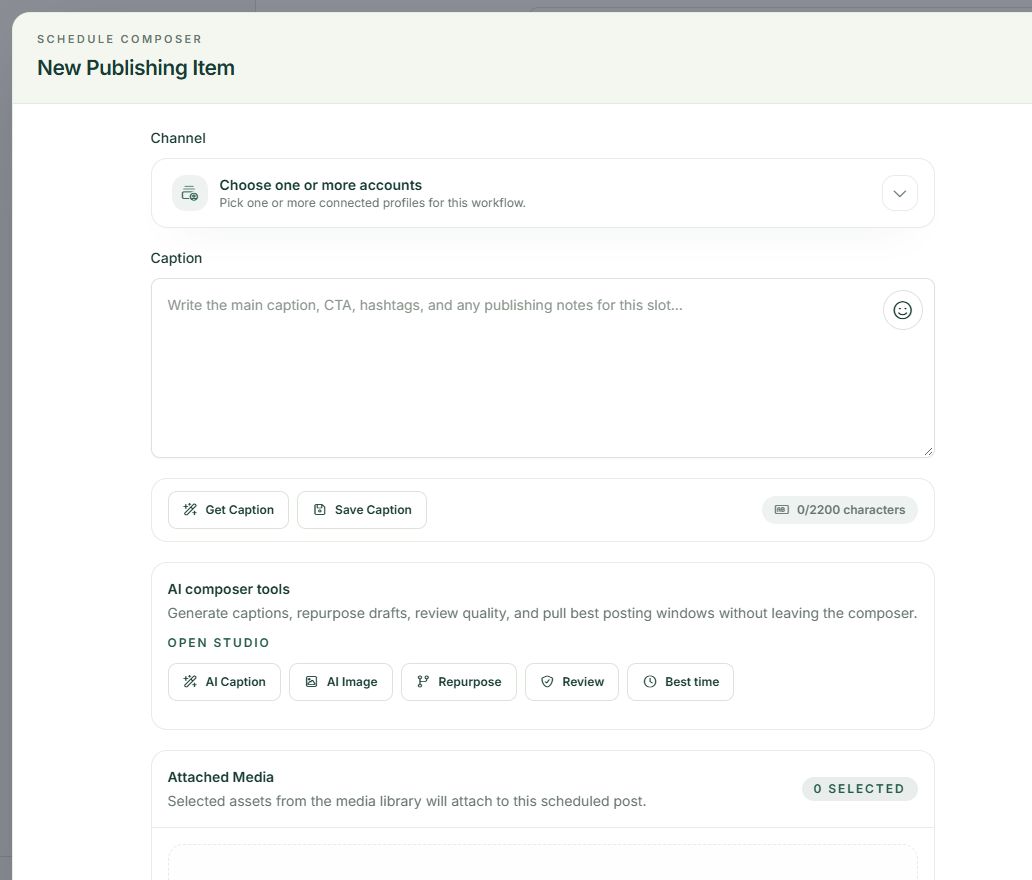
Your social content introduces people to your business. Give interested visitors one clear place to explore your services, see your work and find out how to contact you.
Give your social posts a place to send people
Your business website can bring services, photos and contact details together. Explore Rheeta’s website templates, make a design your own, and publish a link you can share in your social content.
Start with a design. Make it yours.
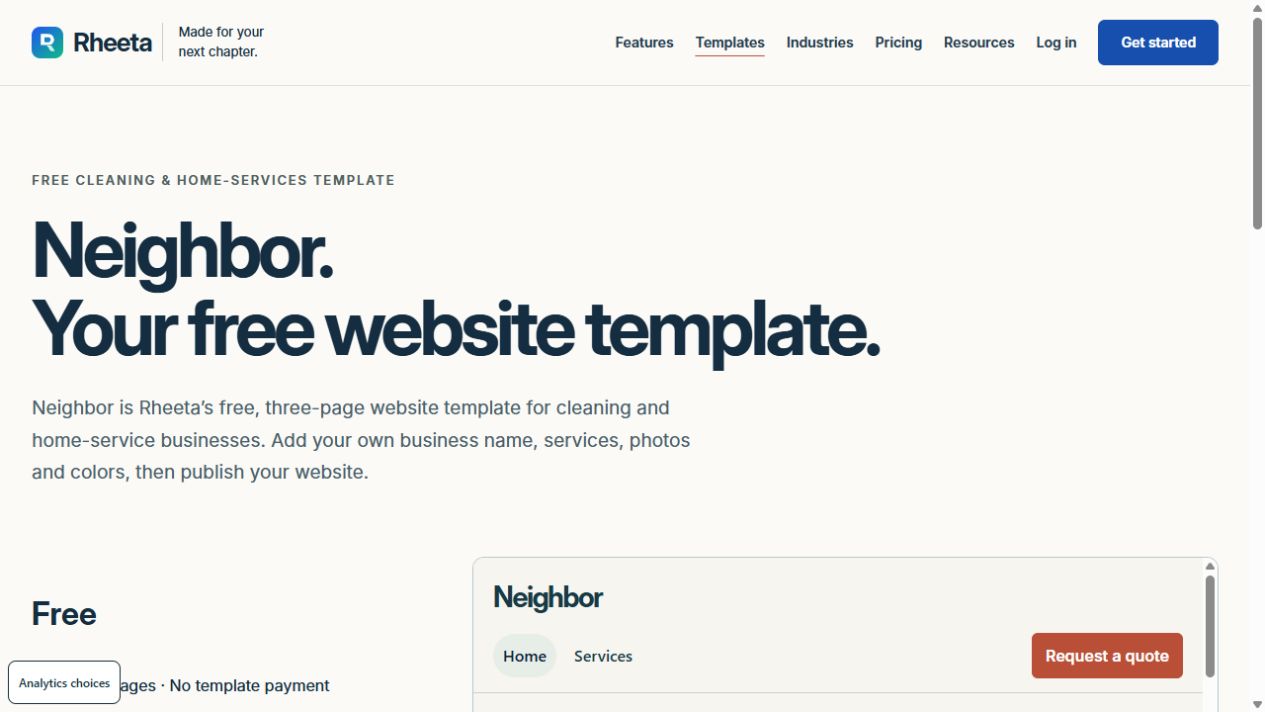
- Choose your starting design. Browse Rheeta’s templates. Neighbor is a free template for cleaning and home services.
- Add your business details. Choose colors, upload your logo and photos, and edit your services and contact information. Optional AI tools can help with a draft or changes.
- Review and publish. Check each page on your phone, then click Publish when you are ready. Draft edits stay separate from your live website.
Connect your website and your content
Use a relevant page link in your social profiles and posts where links are supported. A post about a service can point people toward the details they need before getting in touch. Keep your services, contact information and photos current.
Build your website with Rheeta →
Free sites use a Rheeta website address. Connecting a domain you own requires the paid Launch plan; domain registration is separate. AI usage is subject to your credit balance. You can edit directly without using AI credits.
Rheeta and Postrillo are separate tools. This resource does not connect accounts or publish posts automatically. Rheeta Web Builder is operated by The Web Silo LLC.