How to Organize Postrillo Posts with Labels
Use available Postrillo publishing labels to keep topics and review work organized without changing the public caption.
Postrillo how-to series · Guide 20 of 24
Labels help you recognize related content without adding organizational text to a public post. Use a small vocabulary your team understands. A useful label describes a purpose or topic; a long list of near-duplicates makes the publishing library harder to use.
Before you start
Check that your plan and workspace permissions include the relevant publishing organization tools. Prepare a simple set of names before creating anything. Label access and management can differ from the ability to write or publish a post.
1. Decide what the label represents
Choose whether you are organizing by topic, format or review process. Keep that meaning consistent. For example, Customer questions and Process examples describe content jobs; Draft and Published are already system states and need not become a second, manually maintained status scheme.
2. Review available labels
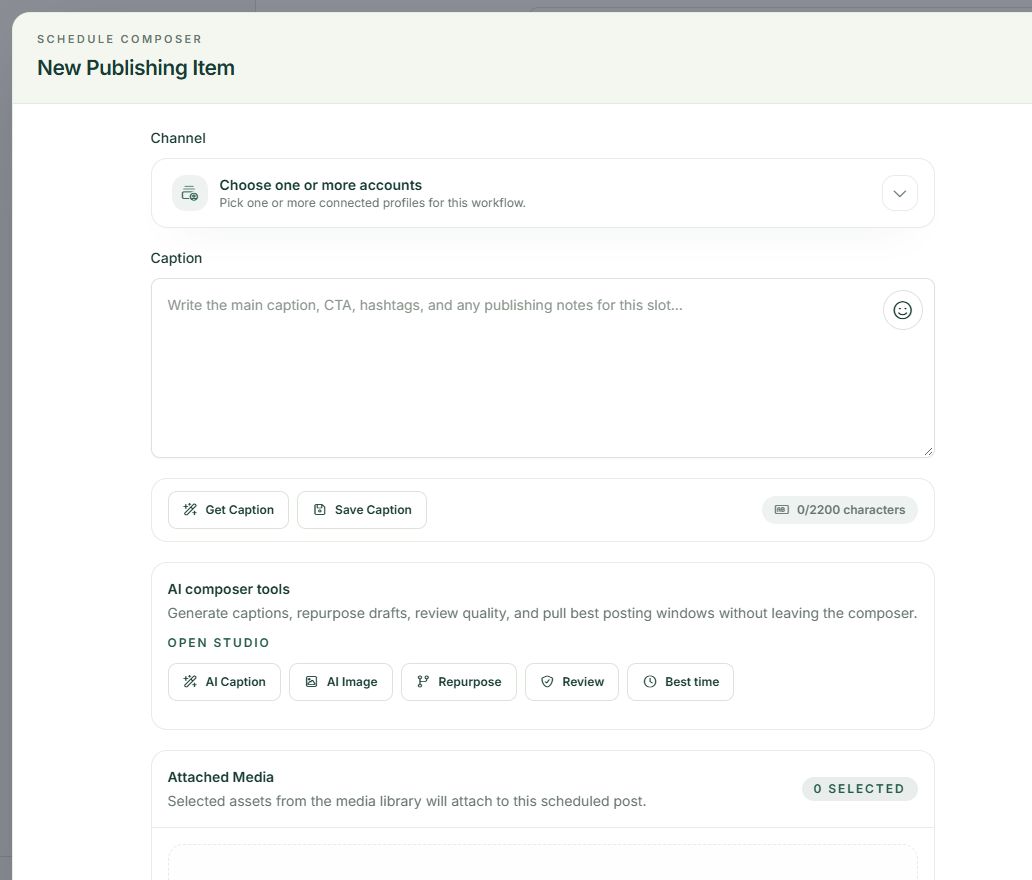
Open a publishing item and find Labels. Inspect the available choices and the Manage link if you have access. Reuse a suitable existing label before creating a near-duplicate. Only labels available in the current workspace should be used for that workspace’s content.
3. Attach the relevant choices
Select the labels that genuinely help identify the post. Keep the public caption focused on the audience; internal labels belong in the organizing controls. Save the draft or schedule normally and confirm the saved item retains the intended organization.
4. Use labels in a repeatable review
When you plan the next batch, inspect the labels or available publishing filters to find related work. Do not assume a label changes an account’s permissions, publication time or network reach. It is an organizing aid, not an approval or delivery guarantee.
A practical example
A fictional gardening business can use Customer questions for practical advice and Seasonal care for timely maintenance topics. An autumn watering post may fit both. The names should help the owner plan variety without needing to reread every full caption.
If something does not look right
If a label is missing, check the workspace, current search and whether the label is available to your role. Do not create several alternatives simply because a filter is hiding the original. Ask the owner when label management is unavailable.
What to check before moving on
A useful label system lets you identify a post’s purpose quickly and supports a recurring review without changing the audience-facing message.
Continue learning: start with the Postrillo getting-started guide or read How to Investigate a Failed or Overdue Post in Postrillo.
Try the workflow: Create your free Postrillo account. Already signed in? Open your dashboard. Check current plan details for available tools and allowances.