How to Associate a Post with a Campaign in Postrillo
Use the Postrillo composer’s Campaign field to organize related publishing items while keeping account and schedule checks separate.
Postrillo how-to series · Guide 21 of 24
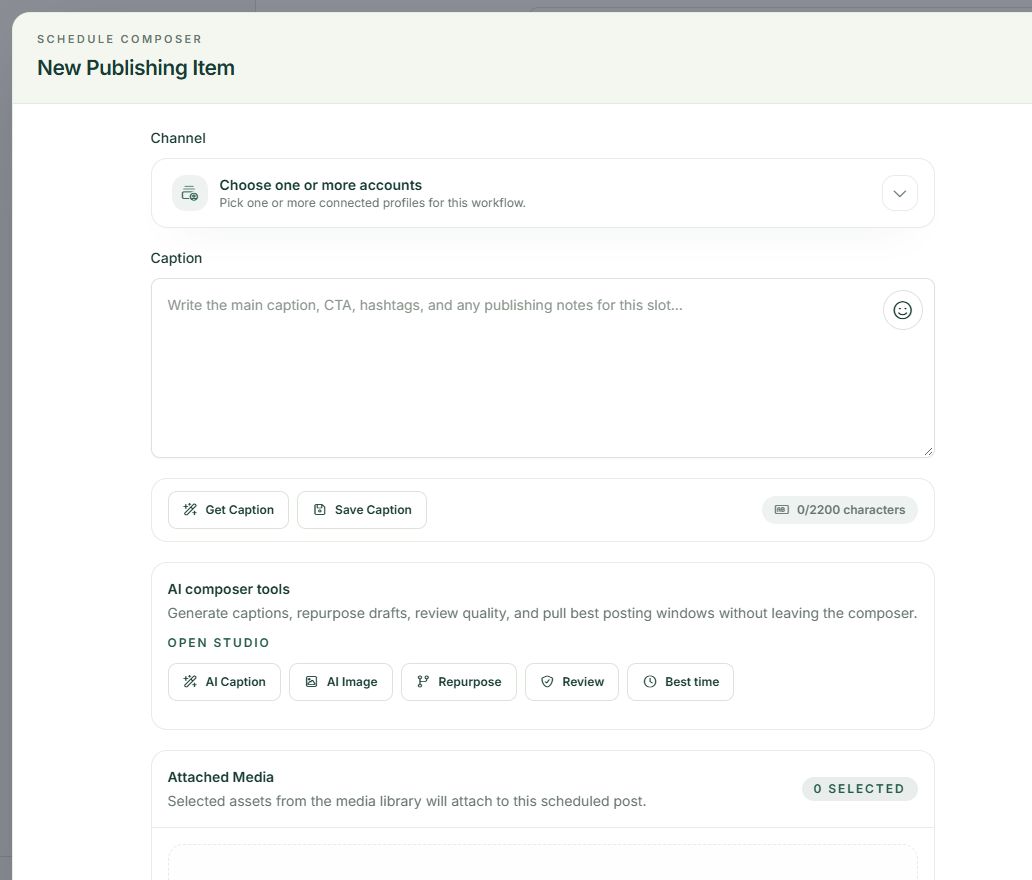
A campaign groups related work around a business objective. In the Postrillo composer, the Campaign field can associate a publishing item with an available campaign. That association does not choose your destination or guarantee a result; those remain separate publishing decisions.
Before you start
Confirm your workspace and access to campaign tools. Define the objective, audience and timeframe in plain language. Before adding a campaign, check whether an existing one already covers the activity so the team does not split one project across several competing names.
1. Choose a specific objective
Use an objective you can review later, such as helping prospects understand a new service. Avoid naming every month “Growth” without defining what belongs there. Decide which posts are part of the activity and which are normal ongoing advice.
2. Inspect available campaigns
Open a publishing item and locate Campaign. Review the current dropdown and use Manage when you have access and need to inspect campaign organization. If no campaign applies, leaving No campaign is better than assigning an unrelated project just to fill the field.
3. Select the appropriate campaign
Choose the available campaign associated with this post. Prepare the caption, media and destination independently. Internal notes can explain coordination details, but do not put instructions to colleagues into the audience-facing caption.
4. Save and review the item
Save the intended draft or future schedule and confirm the item’s content and timing. Use the campaign association to keep related work identifiable. If you review performance later, distinguish actual leads or sales from posting activity and engagement counts.
A practical example
A fictional studio introducing a website-maintenance service could associate an explanation post, a useful checklist and an enquiry invitation with one campaign. Each still needs its own caption and destination review. An unrelated holiday greeting can remain outside it.
If something does not look right
If the campaign is not offered, check workspace access and current campaign availability before creating another copy. If the field is unavailable in your plan or role, you can still prepare content through the publishing options you are permitted to use.
What to check before moving on
Success is a correctly associated publishing item with its own reviewed destination, schedule and measurable purpose.
Continue learning: start with the Postrillo getting-started guide or read How to Organize Postrillo Posts with Labels.
Try the workflow: Create your free Postrillo account. Already signed in? Open your dashboard. Check current plan details for available tools and allowances.