How to Understand AI Credits in Postrillo
Read Postrillo’s credit balance and plan usage, and decide when to use AI tools or prepare content manually.
Postrillo how-to series · Guide 6 of 24
AI credits are easiest to manage when every generation has a purpose. A credit balance tells you about available AI usage; it does not tell you whether a caption is accurate or whether a social post has been delivered. Keep those checks separate.
Before you start
Open the dashboard in the intended workspace. Note Available credits, Plan allowance used and any displayed credit information. Exact costs, included tools and allowances can vary, so review current plan and tool details rather than applying a cost from another account.
1. Start with the balance
Read the current credit panel and any Credits Usage link available to your account. The dashboard can distinguish allowance usage from a balance that includes top-ups. Do not assume the two numbers must be identical or that unused credits automatically change your publishing quota.
2. Choose the job before generating
Decide whether you need caption ideas, an image, a review or another available tool. Provide a specific brief so you have a better chance of receiving something useful. Repeatedly requesting slightly different outputs can spend credits without producing a clearer message.
3. Review tool access and costs
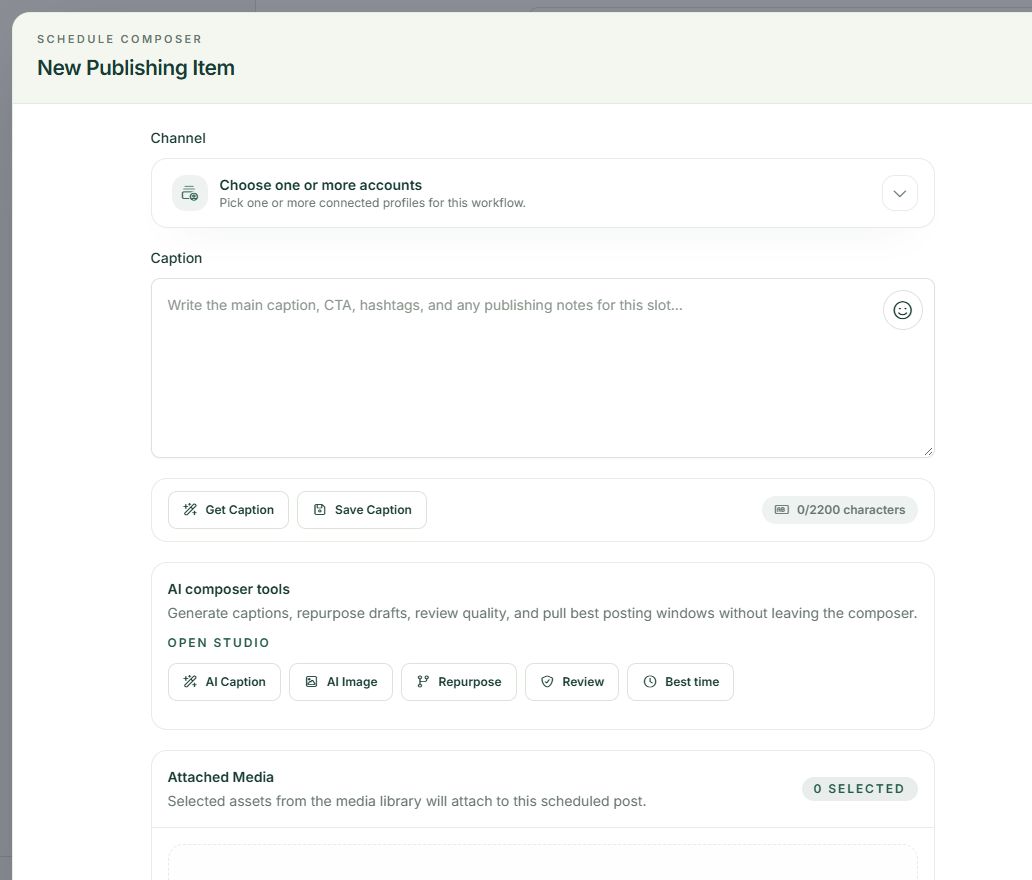
Check the current plan and the cost shown for the tool before running it. Different actions may consume different amounts. If a tool is unavailable, use your own text or media where the normal composer permits it rather than treating AI as a required step.
4. Evaluate output before using more
Read the result against the original task. Correct factual claims, dates, prices and invented details manually. Save useful material as a draft when appropriate. A generation is not the same as saving a publishing item, and neither action proves a public post exists.
A practical example
For a fictional florist, a useful brief might request three caption ideas for an original arrangement photograph, with a friendly tone and no discount claims. Choose one, edit it and stop generating when you have an accurate draft.
If something does not look right
If the balance changes unexpectedly, compare the timing with recent tool use and available usage records. Ask support about a specific action and date without sending private customer content. Do not assume a failed social publication should have the same credit behavior as an AI request.
What to check before moving on
You should be able to identify the AI job, its current cost and a useful result before spending further credits. Manual drafting remains a valid starting point.
Continue learning: start with the Postrillo getting-started guide or read How to Check Your Postrillo Plan Before Scheduling More Content.
Try the workflow: Create your free Postrillo account. Already signed in? Open your dashboard. Check current plan details for available tools and allowances.