How to Check a Scheduled Post in the Postrillo Queue
Find the Postrillo publishing queue, inspect queued, processing and failed states, and compare them with the calendar.
Read article →Practical guides, platform updates, and inspiration for a more organized social media workflow.
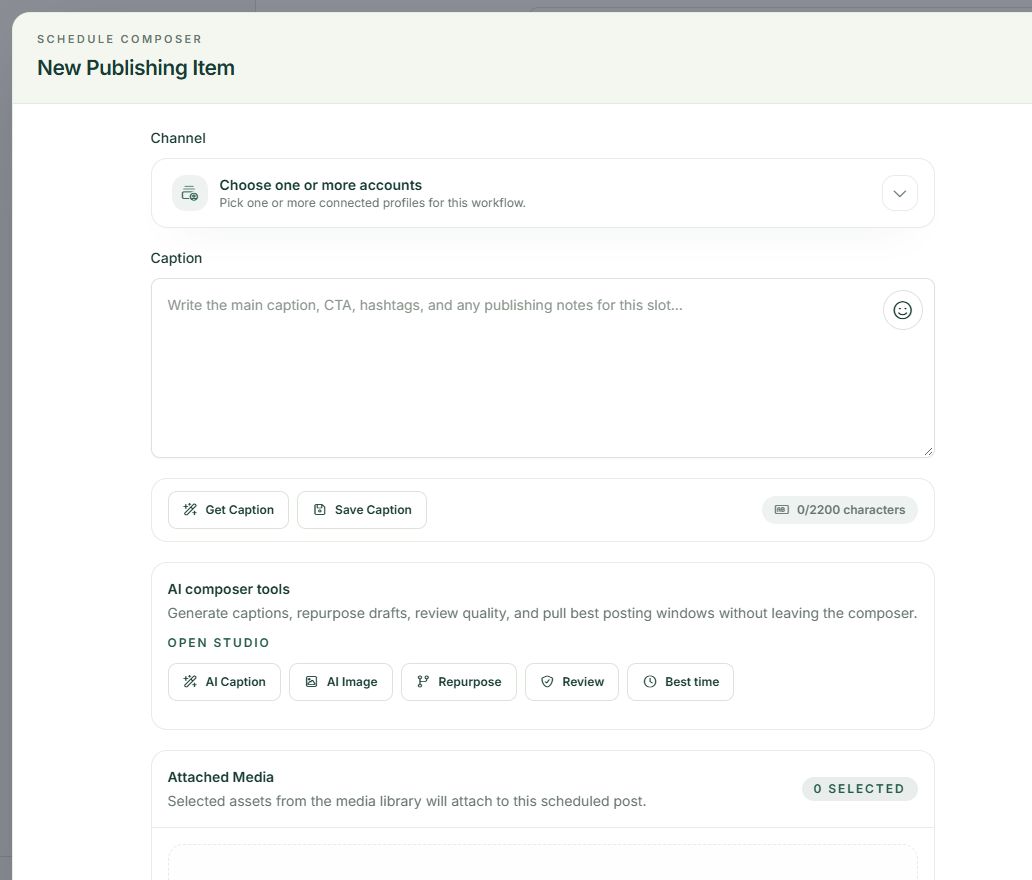
Find the Postrillo publishing queue, inspect queued, processing and failed states, and compare them with the calendar.
Read article →
Find the Postrillo publishing queue, inspect queued, processing and failed states, and compare them with the calendar.
Read article →
Use Postrillo’s Month, Calendar and Week views to review content spacing, destinations and existing post statuses.
Read article →
Reopen an editable scheduled Postrillo item, adjust its date and time, and confirm the updated entry without duplicating it.
Read article →
Avoid AM/PM, date and time-zone mistakes when choosing a future social publication in Postrillo.
Read article →
Choose Specific Days & Times in Postrillo, save a future publication and verify the resulting calendar or queue entry.
Read article →
Review destinations, wording and media when selecting multiple connected channels in the Postrillo composer.
Read article →
Use Postrillo’s network preview to review account identity, caption and media before a post enters your schedule.
Read article →
Review your message, facts, media, link and destination before scheduling a business social post. A practical checklist for small-busines...
Read article →
Attach media to a Postrillo publishing item and review how it fits the selected network and post format.
Read article →