How to Reopen and Finish a Draft in Postrillo
Find a saved Postrillo draft, revise its caption and media, and decide whether to keep it as a draft or schedule it.
Read article →Practical guides, platform updates, and inspiration for a more organized social media workflow.
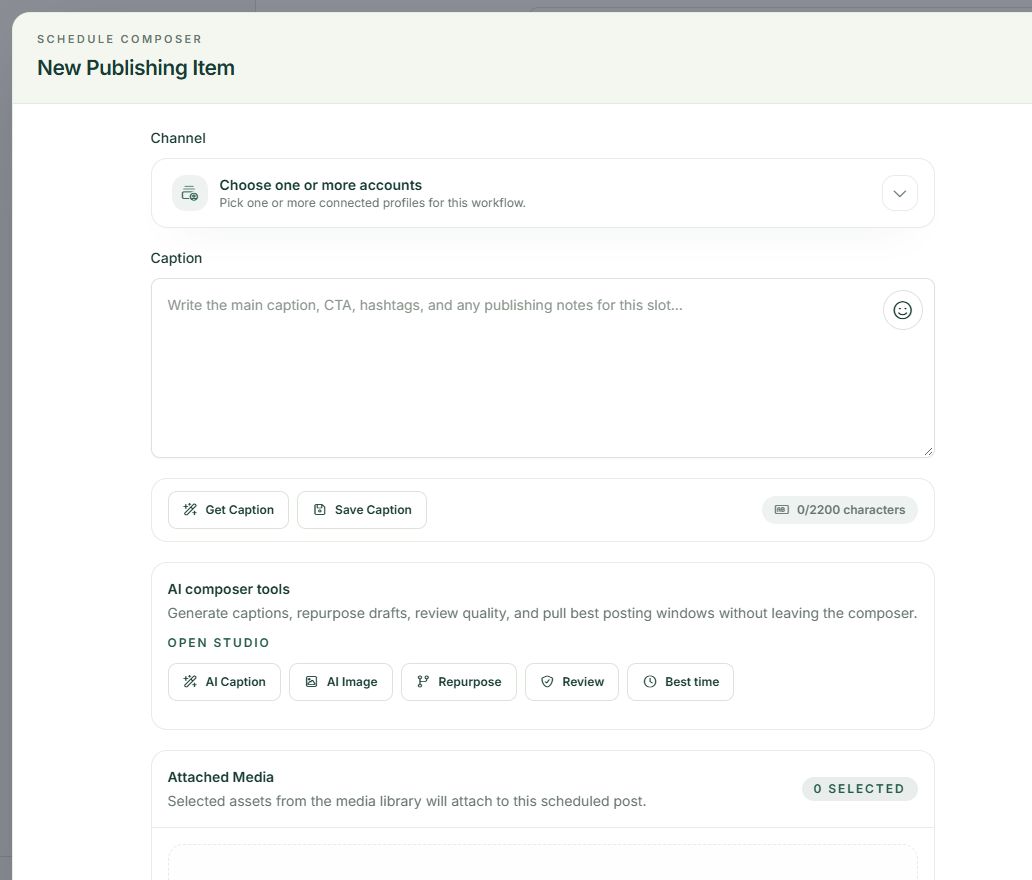
Find a saved Postrillo draft, revise its caption and media, and decide whether to keep it as a draft or schedule it.
Read article →
Find a saved Postrillo draft, revise its caption and media, and decide whether to keep it as a draft or schedule it.
Read article →
Save a Postrillo publishing draft with a selected channel, caption and optional media, then confirm it on your dashboard.
Read article →
Write a focused business caption in Postrillo using one customer question, a useful answer and a clear next step.
Read article →
Read Postrillo’s credit balance and plan usage, and decide when to use AI tools or prepare content manually.
Read article →
Find Postrillo plan information, channel capacity and publishing allowance before expanding your content schedule.
Read article →
Check workspace, account status, permissions and reconnect options when a social channel is missing in Postrillo.
Read article →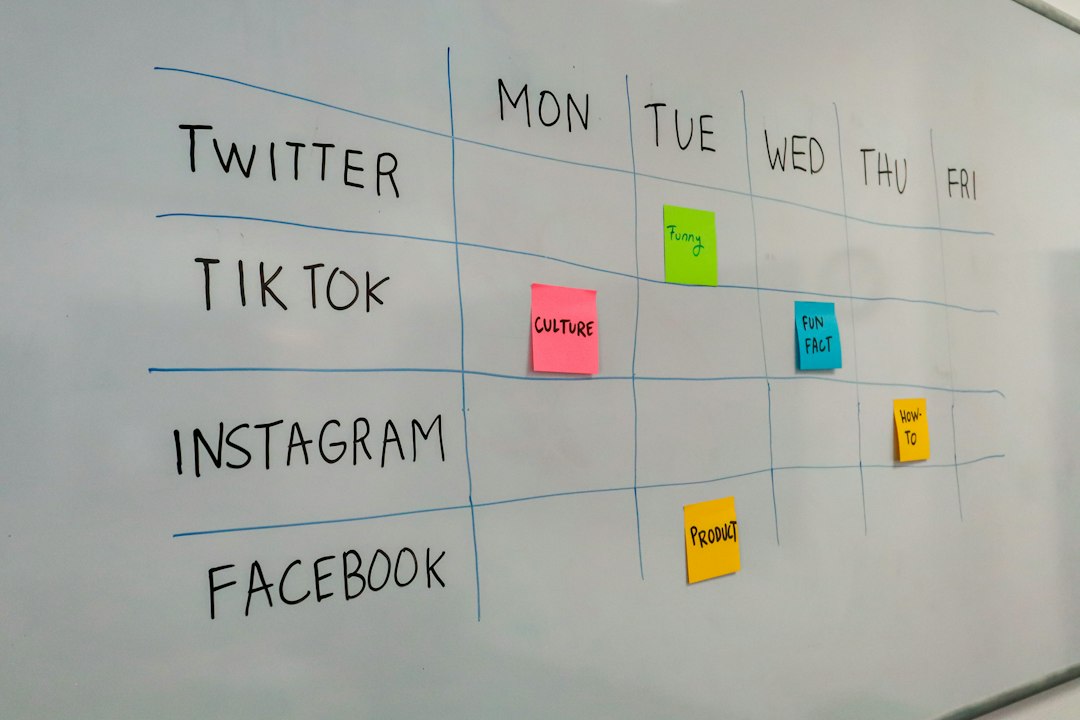
Turn one customer question into three useful social posts: a direct answer, a practical example, and a checklist. Use this simple plannin...
Read article →
Use Postrillo’s channel chooser to distinguish available account types, setup requirements and plan capacity.
Read article →
Connect a Facebook Page in Postrillo, confirm the right destination and check that the connection is enabled before drafting.
Read article →